
Reference checking that chases itself.
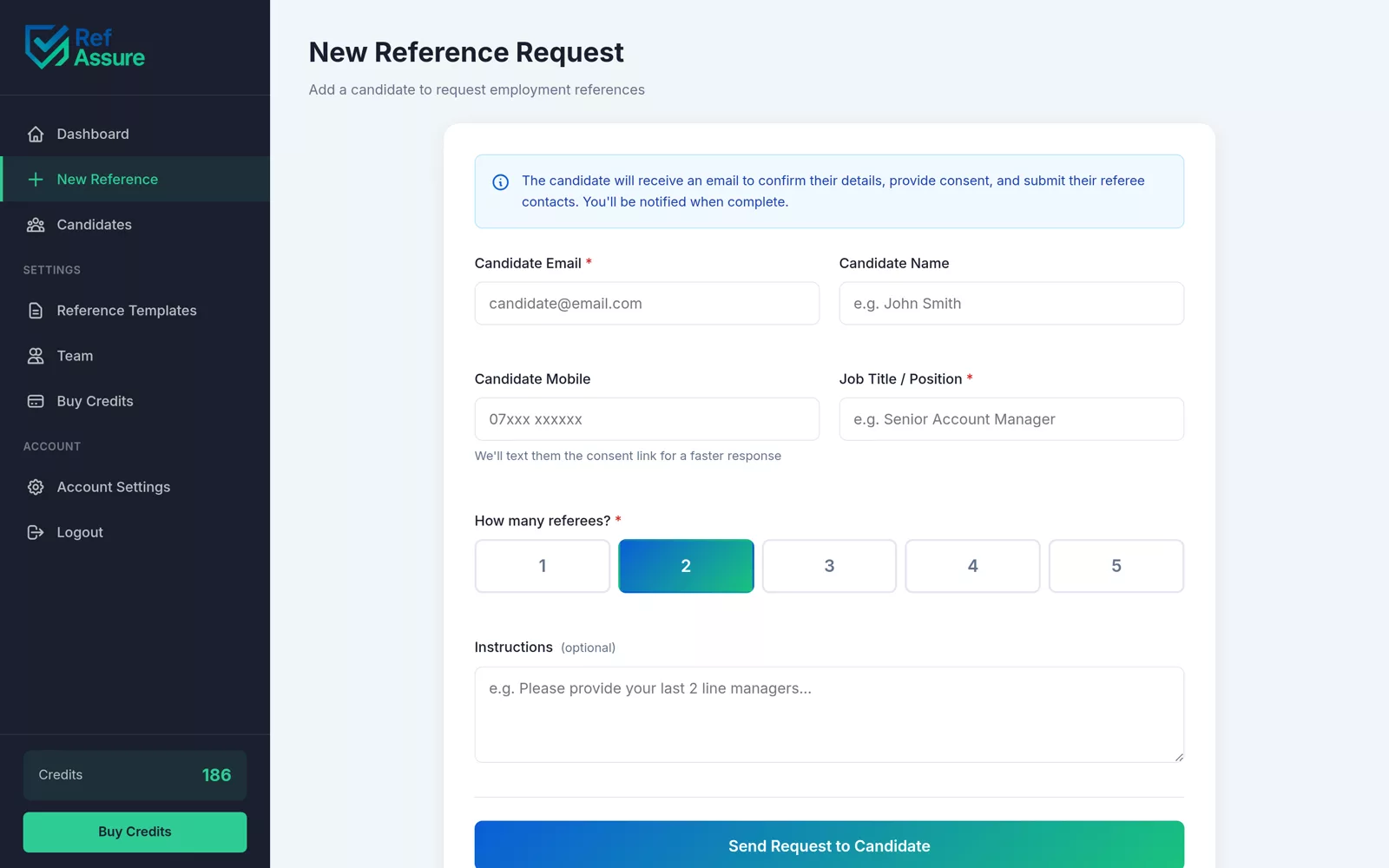
Add a candidate in two minutes. RefAssure collects consent, asks each referee, reminds them until they reply and files a signed report.
What is reference checking?
Reference checking is asking a candidate's previous employers to confirm their history, conduct and suitability before you hire. With RefAssure you add the candidate and referees, the candidate consents online, and each referee is asked and reminded automatically. The median time to a completed reference is about 23 hours, and you get a signed PDF with a full audit trail.
The reference check process, in four steps.
You do step one. RefAssure does the rest, and keeps a timestamped record of every action along the way.
Add the candidate and referees
Enter the candidate, their referees and a mobile number if you have one. Choose a template. It takes about two minutes.
The candidate gives consent
RefAssure asks the candidate to consent online, with a signature, before any referee is contacted. Consent is timestamped.
Referees are asked and reminded
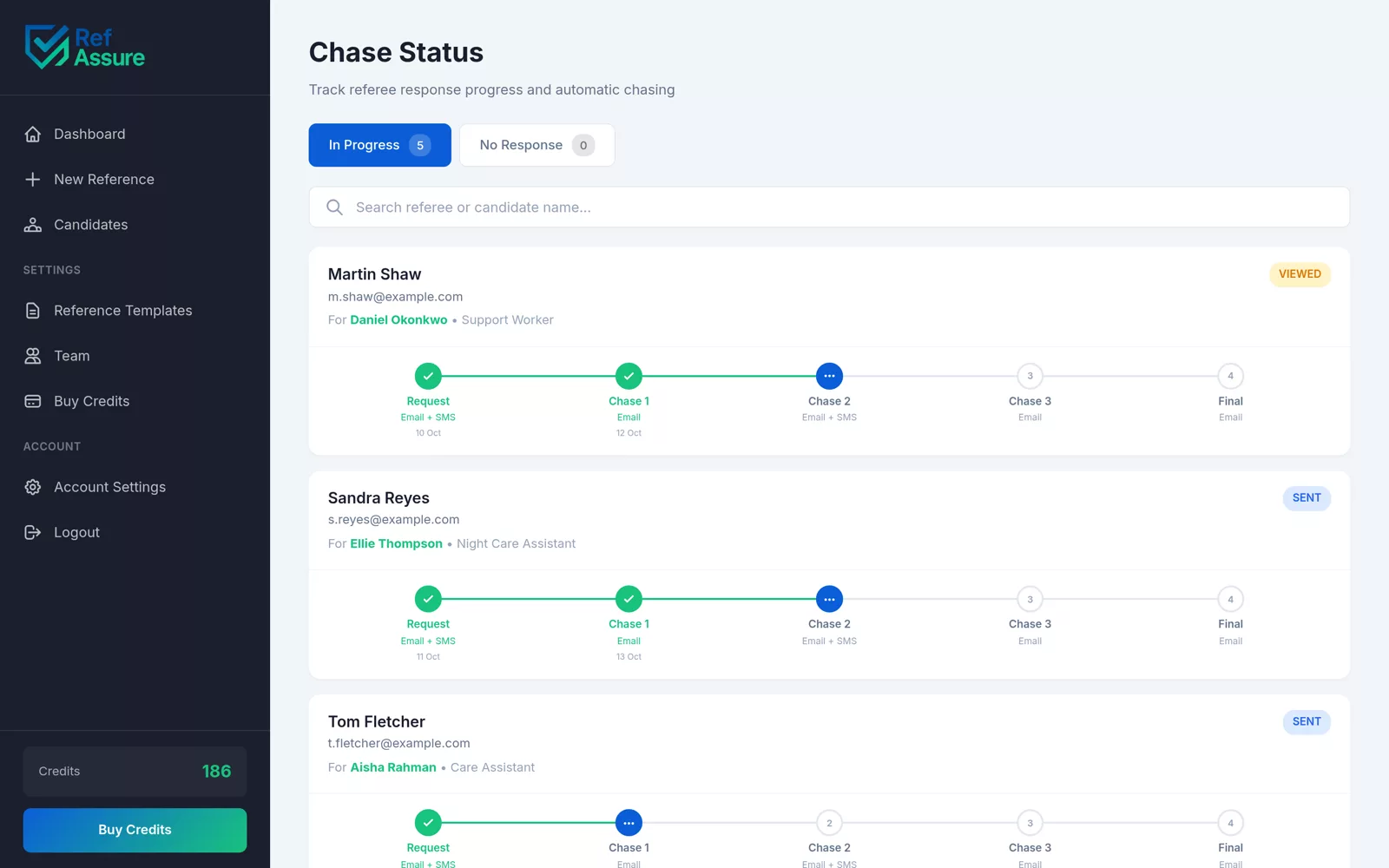
Each referee gets a secure link by email and text. RefAssure sends 5 emails and up to 2 texts over 12 days until they reply.
You get a signed report
The referee answers on any device and signs. A PDF with the full audit trail is filed in your account straight away.
How long do reference checks take?
With RefAssure, the median time from sending a request to a completed reference is about 23 hours, and half come back within a day. Chasing by hand often takes a week or more, because most referees mean to reply and simply forget.
About 23 hours
The median time from request to a completed, signed reference.
Half within 24 hours
Half of all completed references arrived within a day of the request.
4 in 10 after a reminder
These references came in after an automatic reminder. Without one, they might still be waiting.
From 229 completed references on the RefAssure platform, October 2026.
The exact chase schedule, day by day.
Every referee gets the same polite sequence: 5 emails and up to 2 texts over 12 days. It stops the moment they submit.
What the referee actually sees.
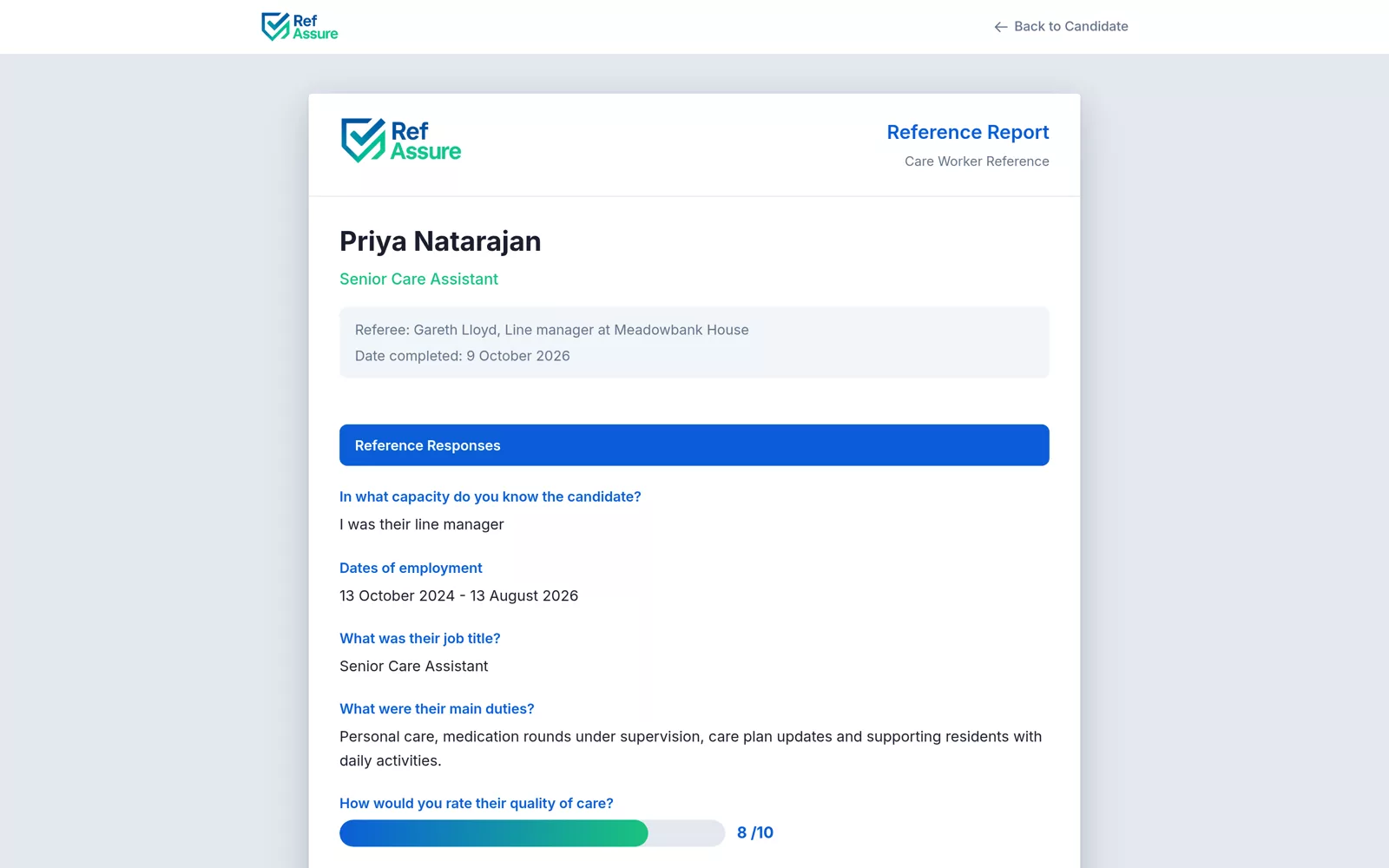
A clear request from your organisation, a secure link and your questions. The form takes a few minutes, on whatever device is in their hand.
- A unique secure link, with no account or password
- Ratings, yes or no questions, dates and comments
- Works on any phone, tablet or computer
- The referee signs before submitting
If something goes wrong, you hear first.
A reference that stalls in silence costs you a start date. RefAssure watches every request and tells you when one needs a hand.
Bounced requests
Most bounced requests are flagged within minutes. Correct the address or add a new referee before the start date slips.
Consent email bounces
If the candidate's email address has a typo, you know straight away and can fix it and resend.
Replies by email
If a referee hits reply instead of using the form, the reply is captured against the candidate and forwarded to you.
Use the form you already trust.
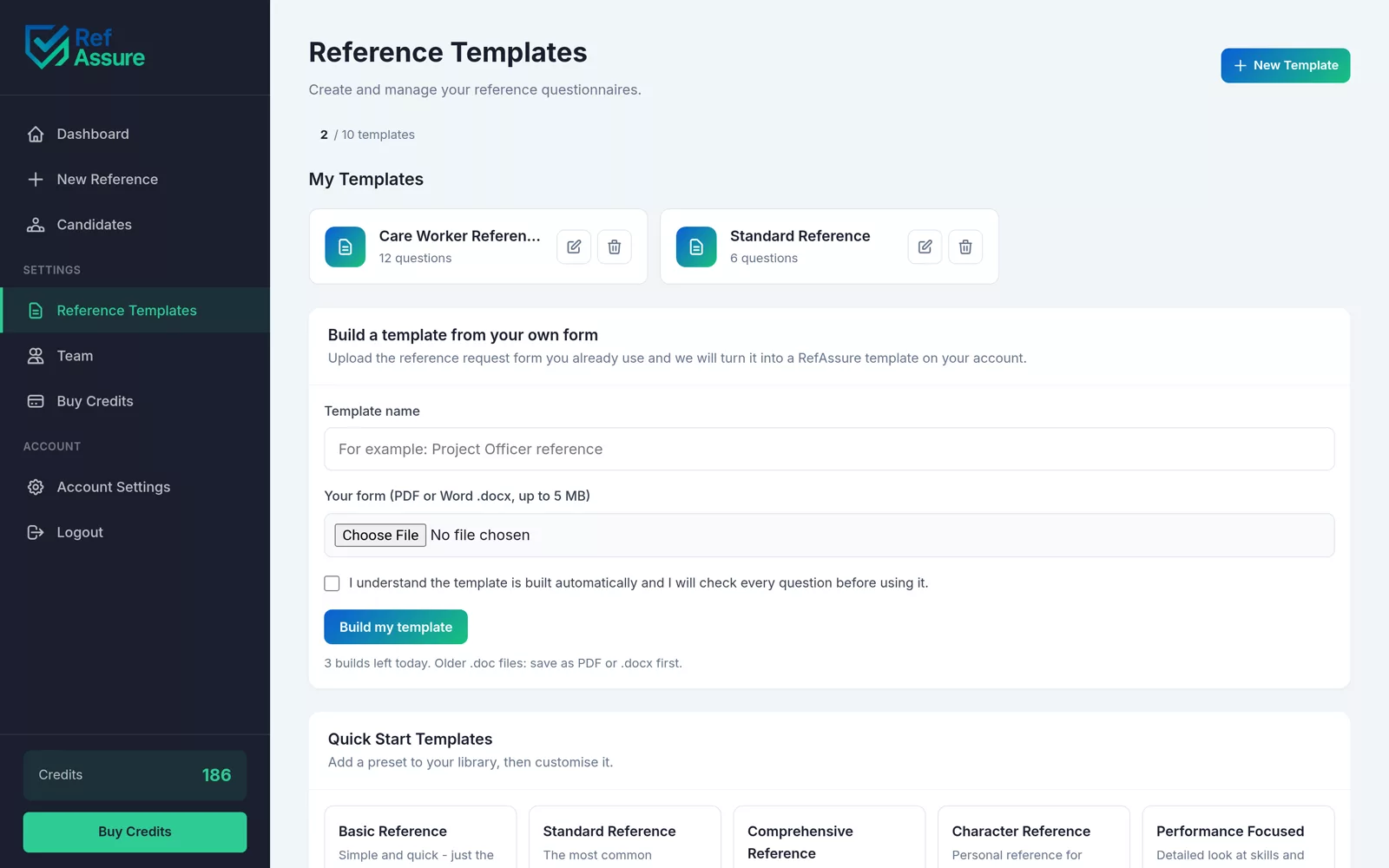
Upload your reference form as a PDF or Word file. RefAssure turns it into a template on your account in about 20 seconds, and you check it before use.
- Your questions, your wording, your order
- Or start from 5 starter templates, from Basic to Comprehensive
- Up to 25 questions and 10 templates per account
An audit trail you can hand over.
Every reference report carries a timestamped record of how it was obtained, ready for an inspector, a client or your own file.
| Event | What RefAssure records |
|---|---|
| Candidate consent | Date, time and the candidate's signature, before any referee is contacted |
| Request sent | When each referee was asked |
| Reminders | Every reminder sent, with its timestamp |
| Completion | When the referee submitted, their answers and their signature |
Reference checking questions.
More in the full FAQs.
What happens if a referee doesn't reply?
RefAssure reminds them for you: 5 emails and up to 2 texts over 12 days, stopping the moment they submit. If there is still no reply after day 12, you are told so you can add another referee straight away.
Do referees need an account or a password?
No. Each referee gets a unique secure link by email, and by text if you add a mobile number. They open it on any device, answer your questions and sign. There is nothing to download and no login.
Is the candidate told before referees are contacted?
Yes. The candidate gives consent online, with a signature, before any referee is contacted. That consent is timestamped and kept in the audit trail on the final report.
What do reference checks ask?
Usually dates of employment, job title, main duties, reason for leaving, ratings for performance and reliability, any disciplinary or safeguarding concerns, and whether the referee would re-employ. You choose the questions, or start from the free employment reference template.
Can I use the questions my sector expects?
Yes. Templates support short text, paragraph, yes or no, 1 to 10 ratings, dates and date ranges, with up to 25 questions each. Add the questions your sector expects to your template once and they go out on every request.
Does each referee use a credit?
Yes. One credit covers one referee, including every reminder and the signed PDF report. The credit is used when the first request is sent. See pricing.
What if a referee replies by email instead of using the form?
Their reply is captured against the right candidate and forwarded to you, so nothing gets lost in an inbox. You can still ask them to complete the form if you need structured answers.
Related guides
Send your first reference in two minutes.
Your first reference is free. Add a candidate and let RefAssure do the chasing.